

ELCA Call Process for Rostered Ministers
We are a church that believes God is calling us into the world — together. The ELCA has many needs to fill as we carry out our mission to share God’s boundless love with the world.
Answering the Call For ...

Candidates, synods, regions and the church discern together where the Spirit is leading candidates to begin first calls.

Mobility is a Spirit-led process where pastors and congregations discern together, embracing new opportunities for ministry and welcoming new leaders with faith and hope.
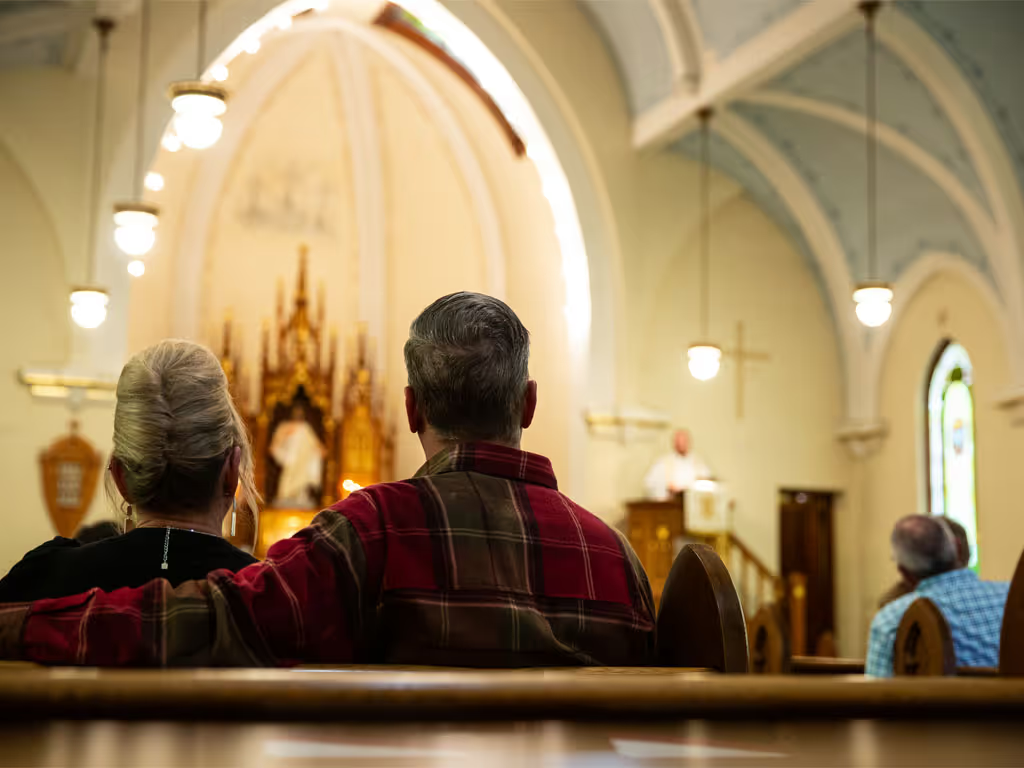
Congregations seeking a pastor describe their mission and hopes for ministry, guided by the synod bishop or call process administrator, as they discern and prepare to welcome new leadership.
Candidates
Your candidacy journey begins when you contact your synod office. At the synod office, you will be directed to the person/s who can talk to you about your discernment journey and the candidacy process, what forms are necessary and how to complete them.
Discernment is about being open, curious and attuned to what God has chosen for you. With your unique gifts and abilities, you are free to match them with the needs around you, confident that you have a part to play in God’s story of love for the world.
Completion of the first call process concludes candidacy for all people, including those ordained in another Lutheran church or Christian tradition, and moves them toward admittance to the appropriate ELCA roster.

Common Questions and Helpful Links

Here you can find the most frequently asked questions about candidacy, including how to access forms and definitions of terms.
A guide, process forms, contacts and more are available here.
For questions about discernment and candidacy process please contact your synod candidacy staff person.
For questions about call process forms or the Call Process Online, please contact your call process administrator.
The ELCA has 65 synods across the United States, Puerto Rico and the U.S. Virgin Islands.
Short videos explain online forms for candidacy, call process/mobility and synod staff who assist with these steps.
Rostered Ministers & Congregations
The Rostered Minister Profile (RMP) is for rostered ministers and candidates for these rosters. It is not used by other church professionals. Once submitted, RMP information is stored in the Mobility Database System to support the call and placement process.
Congregations seeking a pastor describe their mission and hopes for ministry, guided by the synod bishop or call process administrator. The Ministry Site Profile (MSP) is the common form congregations and church-related organizations use to share their mission and search for rostered ministers.
There are a variety of vocational choices in the ELCA. We have pastors and deacons, but we also have youth workers, musicians, accountants, evangelists, nurses, office managers, counselors and caregivers. We are a church that believes God is calling us into the world, together.
Rostered Minister Profile
If you don’t have an ELCA Community Account, click “Create Account” and then the “Sign Up” tab. Choose a social/email provider (Facebook, Google, LinkedIn, Microsoft, Yahoo), or use your personal email and password to create an ELCA local account. Complete the User Profile Form and click “Submit.” If you created a local account, check your email and confirm. If you used a social login, authorize with your provider. Then click “Continue when email verified.” Access to the RMP may take up to two business days. (See video linked here for more.)
The RMP is a web-based form. Please save your work frequently as you proceed. You may also want to save your longer essay answers in a separate document and then copy and paste them into the form when you are ready to submit.
If you already have an account but have forgotten your password, click “Reset your password.” Enter your email address and wait to receive an email. If the email doesn’t appear, check your spam folder. Follow the instructions contained within the email for resetting your password. After logging in, click on “Leader Portal” on the left. Click on “Call Process.” This will take you to the area where the RMP is stored. (See video linked here for more.)
When you feel your RMP is complete, click the “Submit RMP” button at the end of the form. You should also click on the “Download PDF” link and save a copy of your RMP on your device. You and your call process administrator will receive an email confirming that the RMP has been submitted. An existing RMP can be edited and resubmitted. However, a resubmission will require reapproval and a new signed Authorization and Release page.
Your Rostered Minister Profile (RMP) becomes active in the system once your synod approves it for posting, you submit the Authorization and Release signature page, and your reference submits the Reference Recommendation form. You can log in to ELCA Community at any time to monitor the status of your RMP and access your supporting documents.
The RMP is for rostered ministers and candidates for these rosters. It is not used by other church professionals. Once submitted, RMP information is stored in the Mobility Database System to support the call and placement process.
Steps for use of the MSP
You will be required to create an account to open the Ministry Site Profile form and begin work. Read all directions below before initiating the process. When you are ready, go the Ministry Site Profile site to start or access the MSP and supporting forms. If your ministry site has more than one opening to be filled by a rostered minister, you must complete an additional MSP to describe this second position and then submit it.
The MSP is a web-based form. Please save your work frequently as you proceed.
When you have completed your MSP, and before you submit it to the MDS, you are encouraged to use the “Download PDF” option to view and review your work. Save a copy of the PDF to your computer. When all is ready, click “Submit.”
You and your call process administrator will receive an email confirming that the MSP has been received. The MSP does not become active in the system, however, until your synod bishop approves the MSP and allows it to be posted.
You can go to “Account Access/Ministry Status” on the website to monitor the status of your MSP. This page also has downloadable copies of the two supporting forms (the Seven Reflections and Reference Recommendation forms). If you wish to update the information on your MSP, go to “Account Access” to edit the existing MSP and resubmit it.
The Ministry Site Profile form (MSP) provides congregations and church-related organizations (schools, health care institutions and agencies) a single, common form to use to describe their mission and their search for a rostered minister.